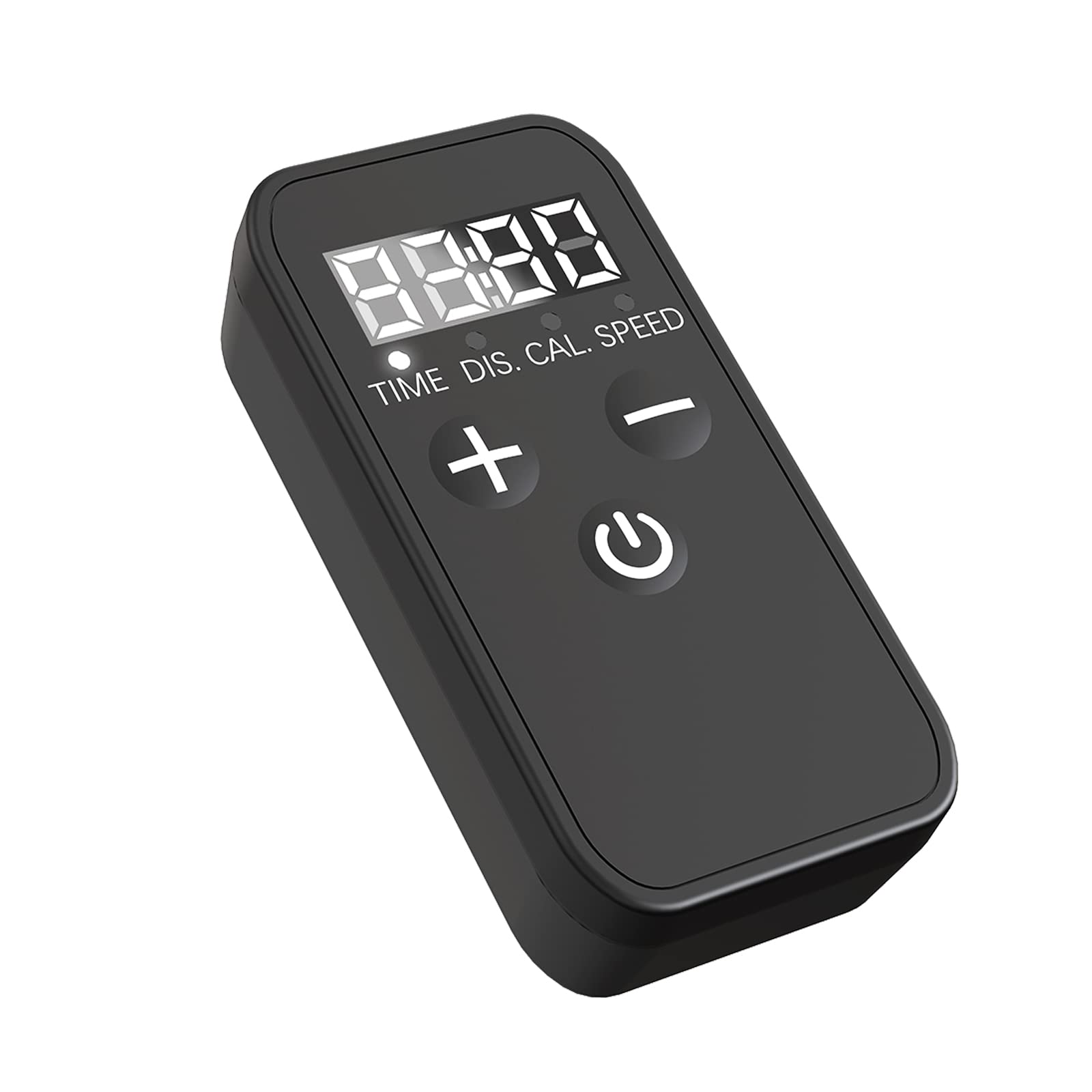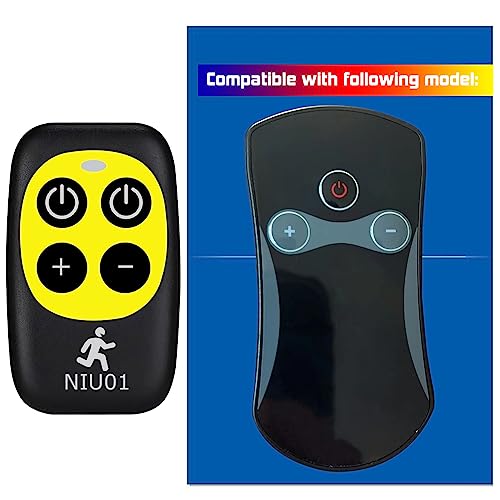


ydzjy walking pad remote replacement
Unplugging the safety lock on the treadmill is the first step. Once you complete this step, you can easily start the pairing process.
Unplug the Safety Lock: Before starting, ensure the safety lock is unlocked. This allows the treadmill to respond to remote commands without interference.
Align Remote and Display: Point the remote control at the display window of the treadmill within 10 seconds. Aligning the remote with the display ensures a clear signal.
Hold Start/Pause Button: While the display is in view, simultaneously hold down the start/pause button for about 3 seconds. This step is crucial for the device to recognize the remote.
Confirmation: When you hear the system beep, you know the pairing is successful. The remote now controls your treadmill seamlessly.
The SP37146 (B081JDMJ4J), SP37036 (B07ZRSBP5S), SP37148 (B0842LPY98), SP37747US, SP37514, and other models listed above are designed to work seamlessly with the remote control. Whether you opt for black, silver, or another color, the pairing process remains the same for all models.
Pairing your treadmill this way enhances your workout experience. You can start, stop, and control your workout without leaving your favorite spot, making your routine more convenient and enjoyable.
Pairing your treadmill with a remote control not only simplifies setup but also adds a layer of security and control. With just a few simple steps, you can start and stop your workouts efficiently, ensuring a safe and comfortable experience.
Choosing this system means you gain the flexibility and convenience of remote control without sacrificing functionality.